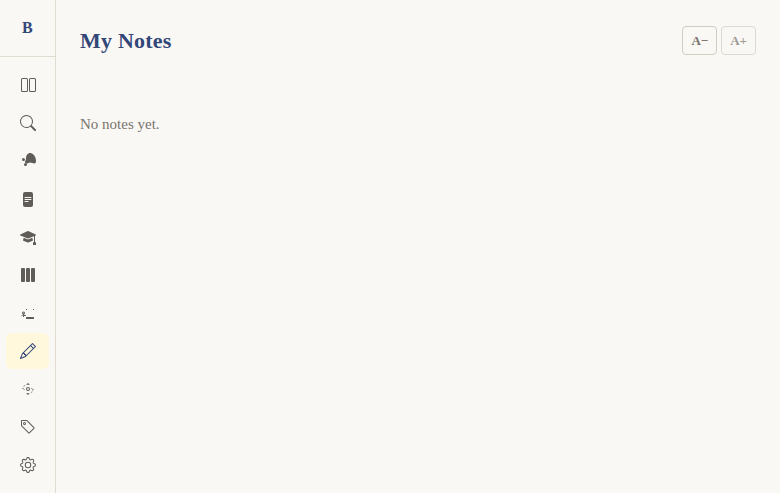
Notes list page
Context
Problem: Users accumulate notes across many chapters and books. They need a way to see all their notes in one place, find specific ones, and navigate back to the passage where they wrote them.
Solution: A dedicated notes page at /notes showing all user notes sorted by last-updated date, with previews and click-to-navigate.
Not included: Search within notes, filtering by book, or tagging. This is a simple chronological list.
Functional
User flow:
- User navigates to
/notes(via sidebar) - Sees all their notes sorted by most recently updated
- Each note card shows: book/chapter/verse reference, last-updated date, 100-character content preview
- Clicks a note → navigates to
/read/[bookId]/[chapter]to read in context - Export button (Premium only) allows downloading all notes
Edge cases:
- Empty state: "No notes yet." message
- Font size controls (A-/A+) available on the page
- Export button gated behind
TierGate feature="noteExport"(Premium only)
UX & Design
Layout: Vertical list of note cards, sorted by updatedAt DESC.
Note cards:
- Reference (e.g., "Genesis 1:1" or "Genesis 1" for chapter notes)
- Last-updated date
- 100-character content preview (truncated)
- Click navigates to the source chapter
Technical
Route: /notes — apps/web/src/routes/(app)/notes/+page.svelte
Data: Calls initNotes() on mount, then getAllNotes() which returns allNotes (merged verse + chapter notes, sorted by updatedAt DESC).
Export: Gated behind TierGate feature="noteExport". Uses exportNotesAsJson() or exportNotesAsMarkdown() from export.ts.
Files:
apps/web/src/routes/(app)/notes/+page.svelteapps/web/src/lib/stores/notes.svelte.ts—getAllNotes()
Status
Current: DONE Milestone: v1 Priority: Core — essential for managing notes
Dependencies:
- Requires: notes system (DONE)
- Used by: note export (DONE)
Screenshots